While you were offline, your settings on the server were changed on another PC or restored/reset. The changes you just made are saved only on this PC, and the server’s settings will be used after you restart the app.
What this message means
The full message says that the settings on the server changed while you were offline (changed on another device, or restored/reset), so this change is saved only on this PC, and the server’s settings will be used after restarting the app.
Your settings are saved to the server automatically with your account. If you changed settings on another PC while this one was offline — or restored or reset them — the server’s version no longer matches this PC. To avoid overwriting it, the changes made on this PC while offline are kept only locally.
What to do
- To use the server’s version: just restart the app.
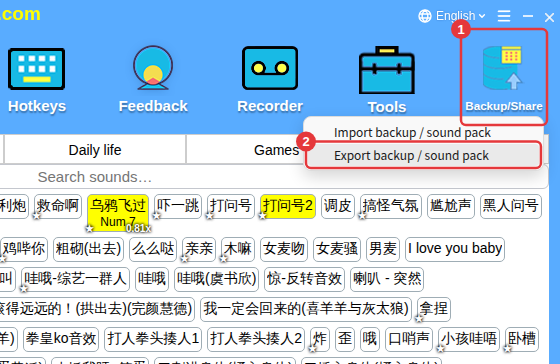
- To keep the changes you just made on this PC: export a sound pack with Backup/Share before restarting, then import it afterwards. See Backup/share sound packs.
- If you use the same account on several PCs, try to change settings on one PC to avoid this.