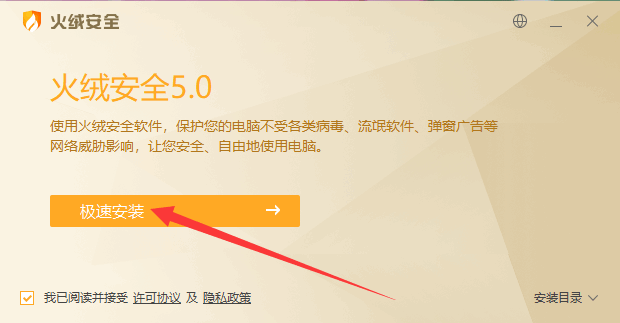
If the app suddenly won’t open, its files have vanished or the shortcut stopped working, antivirus software has most likely deleted it by mistake. Switch to Huorong Security, then download and run the app again from the website — your settings come back when you sign in.
What you might see
The app suddenly won’t open, its files are gone, or double-clicking the desktop icon makes Windows say the item the shortcut points to has been changed or moved.
Why it happens
Usually the security software built into Windows 10/11, or an antivirus app such as 360 Total Security, wrongly treated the app as a threat and deleted it.
How to fix it
- If you have 360 Total Security installed, we suggest uninstalling it and using Huorong Security instead.
- On Windows 10/11 without another antivirus, install Huorong Security — it automatically takes over from the built-in protection. Download Huorong Security
- Download 小红花音效助手 again from the website and run it; your settings are saved with your account and come back when you sign in.