
Yes: hold Ctrl or Shift in the file window to select several files at once, or drag several music files into the app window together.
Two ways
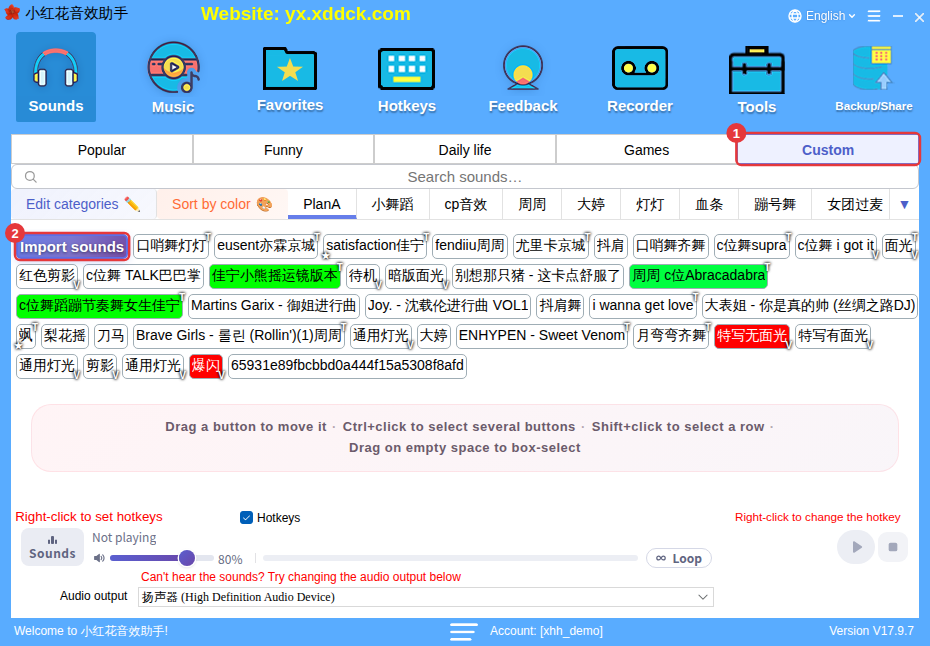
- After clicking Import sounds, hold Ctrl and click files one by one, or hold Shift to select a range, then click Open.
- Select several music files in a folder on your PC and drag them onto the app window together.
Good to know when importing
- Several files are processed at once — give it a moment if there are many. If you click Exit before the import finishes, the app tells you it’s finishing the import and will exit afterwards.
- Sound packs exported with Backup/Share (.xhh / .xdd) can only be imported one at a time.
For detailed steps, see Import your own sounds.
