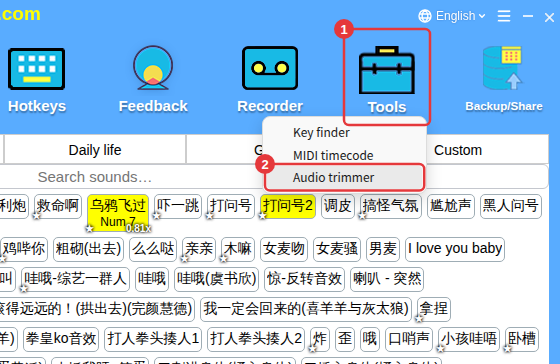
The first time is slower: the Microsoft Edge WebView2 component has to be set up first. Stay online and wait for it to install automatically — don’t keep clicking. If it still won’t open, restart the app and try again.
Why
The audio trimmer needs Microsoft Edge WebView2 to run. The first time you open it, the app sets this up automatically:
- Windows 10/11: installed automatically from Microsoft;
- Windows 7/8/8.1: a compatible version is downloaded automatically.
How to fix it
- Keep your internet connection on and wait for the installation to finish; don’t click repeatedly.
- If security software blocks it, allow it for now and try again (see The app suddenly won’t run).
- If it still won’t open, restart the app and open it again from Tools → Audio trimmer.