
Sounds can’t be exported as MP3 or other music files. Backup/Share exports a sound pack, which can only be imported into 小红花音效助手.
How it works
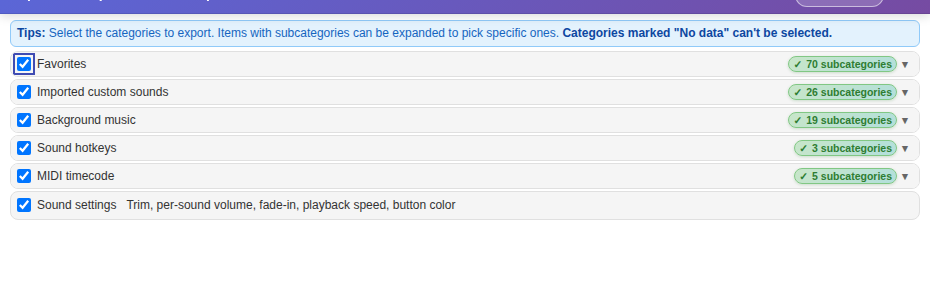
You can’t export sounds directly as music files to play in other apps. Backup/Share → Export backup / sound pack creates a sound pack — for backups, or for sharing with other 小红花音效助手 users.
What you can do instead
- New PC or backups: choose a local sound pack when exporting so the sound files are packed in. See Backup/share sound packs.
- Share with friends: send them the sound pack and they import it under Backup/Share → Import backup / sound pack.
- Join several clips into a new sound: edit them in the Audio trimmer and export — the result becomes a sound in Custom or Background music. See Audio trimmer.
Music you imported yourselfThe original files are still on your PC — keep them safe.
