
Want every sound to fade in and out? Instead of setting them one by one, use the global setting once.
Steps
- Click ≡ in the top-right corner and choose Fade in / fade out.
- Turn on the Turn on fade in / fade out switch.
- Choose the fade-in and fade-out lengths (or enter milliseconds under Custom), then click Save.

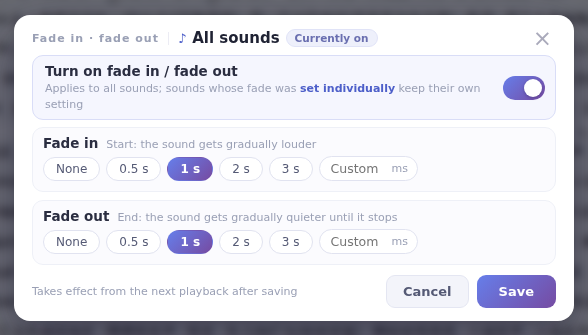
How it works with per-sound settingsThe global setting applies to every sound; a sound with its own fade setting uses its own (see Set per-sound fade in/out). When it’s on, the classic console shows that fade in/out playback is on.
