
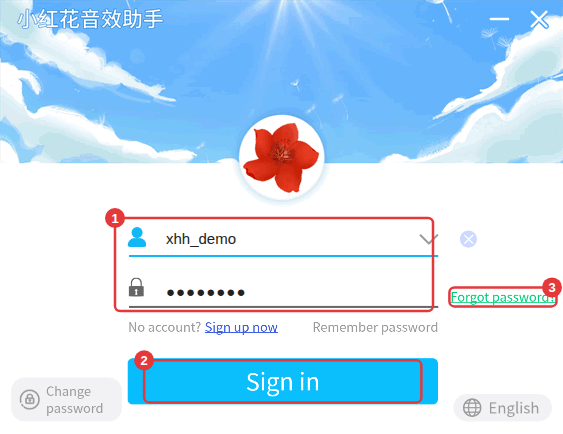
If your account has a linked email, click Forgot password? in the sign-in window and reset it with an email verification code. Accounts without a linked email can’t recover their password on their own.
With a linked email
- In the sign-in window, click Forgot password? (③).
- On the password recovery page, enter your account and click to get a verification code.
- Check the linked email for the code, enter it, then enter a new password and click Done.
- Sign in with the new password.
Without a linked email
Accounts without a linked email can’t recover their password on their own (you’ll be told no email is linked). The only option is to remember it and try passwords you often use.
Prevent itLink an email address soon after signing in. Not getting the code? See No email verification code.
