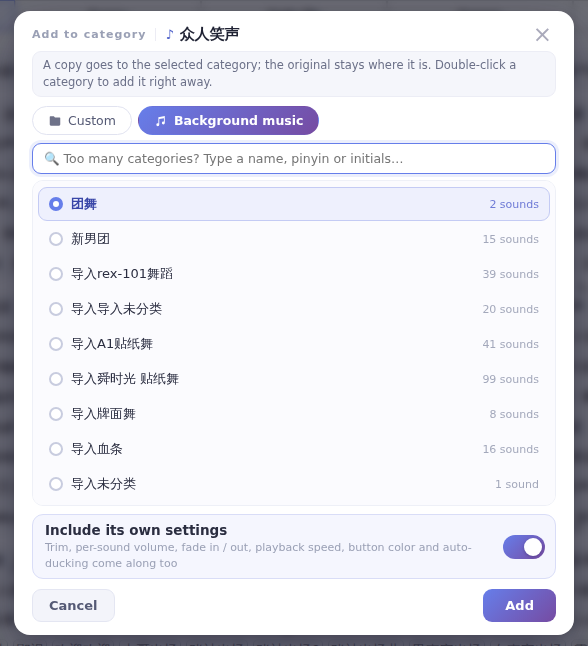
No. Background music is empty by default — besides importing music files, you can Add to Background music built-in sounds, or copy and paste them in.
Background music starts out empty, with no built-in songs. Ways to add some:
- Import: on the Music page, click Import sounds to choose songs, or drag files into the window. See Background music.
- Add from built-in sounds: right-click a built-in sound, choose Add to Background music, pick a subcategory and click Add.
- Copy and paste: right-click a sound and choose Copy, then right-click the Import sounds button on the Music page and choose Paste.
- From recordings or edits: recordings from the Recorder and audio made in the Audio trimmer can go into Background music too.