
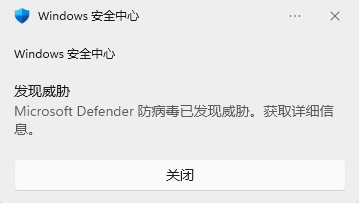
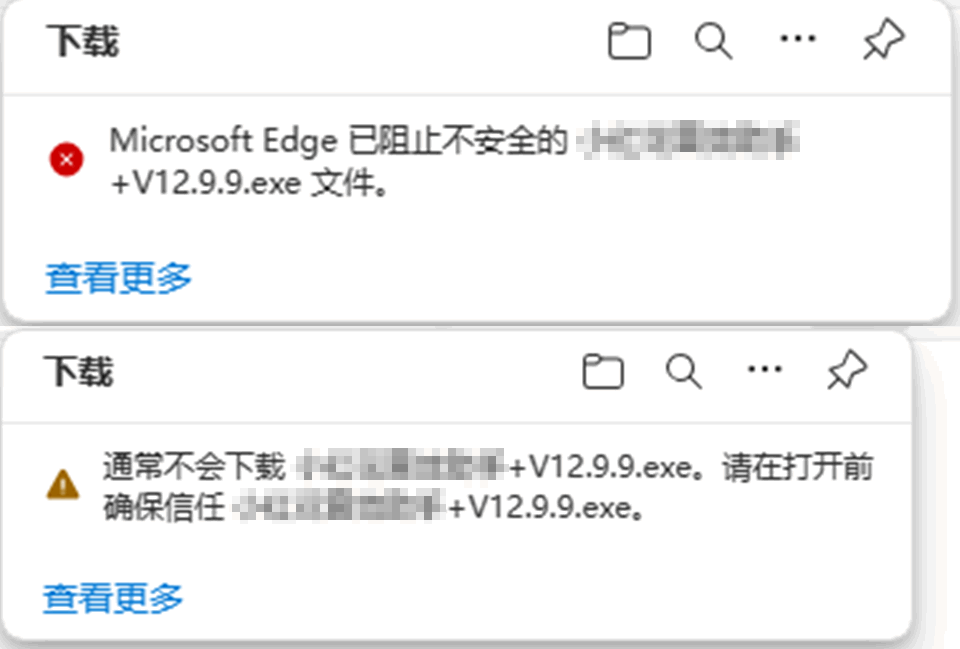
If the download says “blocked” or “this file isn’t safe”, it’s a false alarm from Windows security or the Edge browser. Install Huorong Security and download with QQ Browser instead.
Why the download fails
The security software built into Windows 10/11 (Windows Defender) and the Edge browser can wrongly flag and block this app’s download; the browser usually says it was blocked or isn’t safe. This is a false alarm caused by overly strict security policies, not a problem with the app.
How to fix it
Step 1: Use another security app and browser
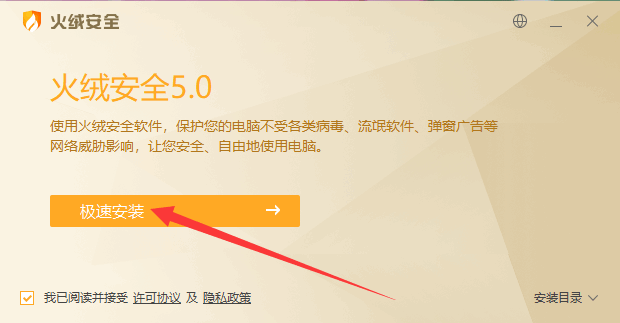
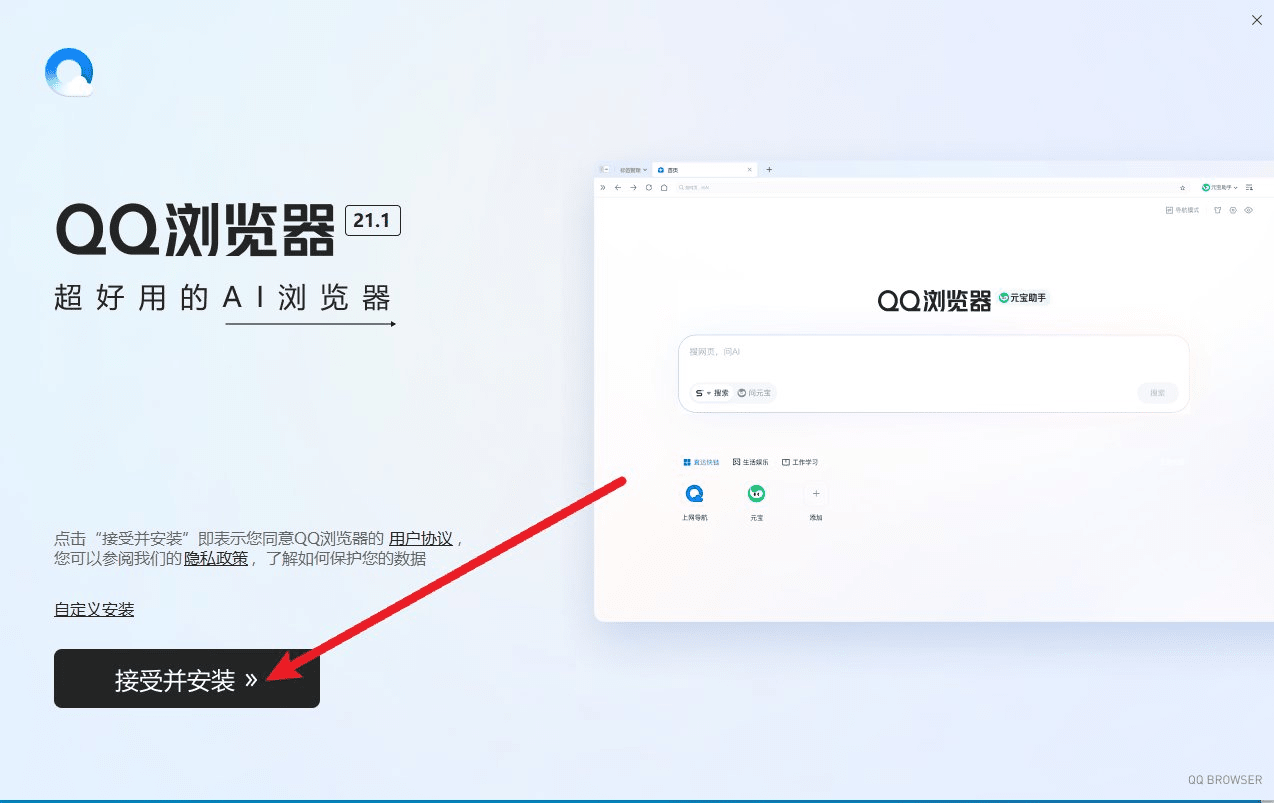
Install another security app — it automatically takes over from the built-in protection — and download with a different browser. We recommend:
- Huorong Security: download here
- QQ Browser: download here
Step 2: Download again and run it
Open the 小红花音效助手 website in the new browser, download the app and double-click to run it. See Download, sign up and sign in.
