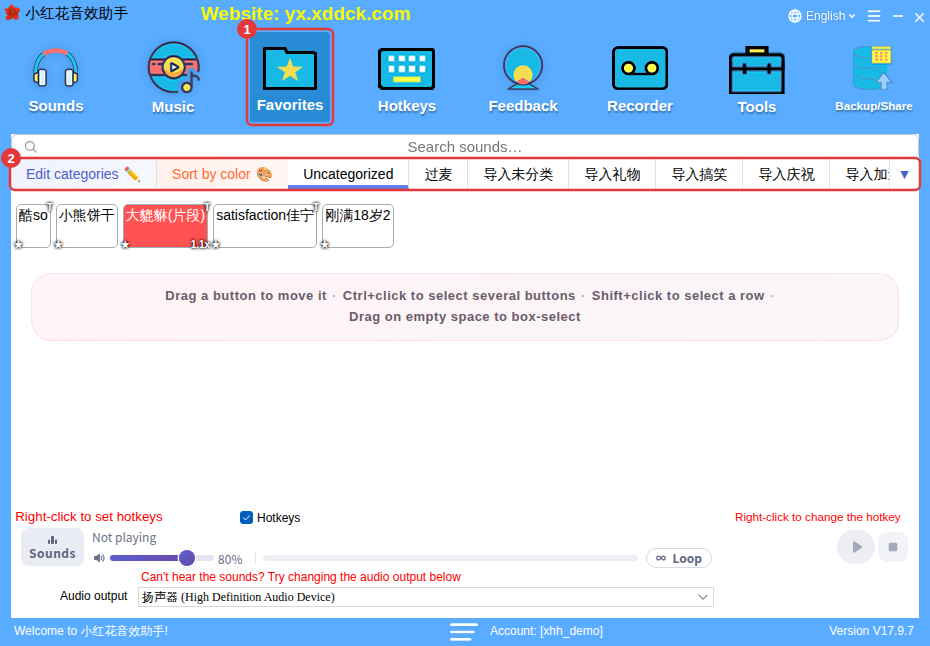
Use Favorites, subcategories, button colors and search together: put your go-to sounds in Favorites, create subcategories by purpose, color the important ones, and search when you need something quickly.
- Favorites: add frequently used sounds to Favorites and organize them into categories there. See Favorite sounds.
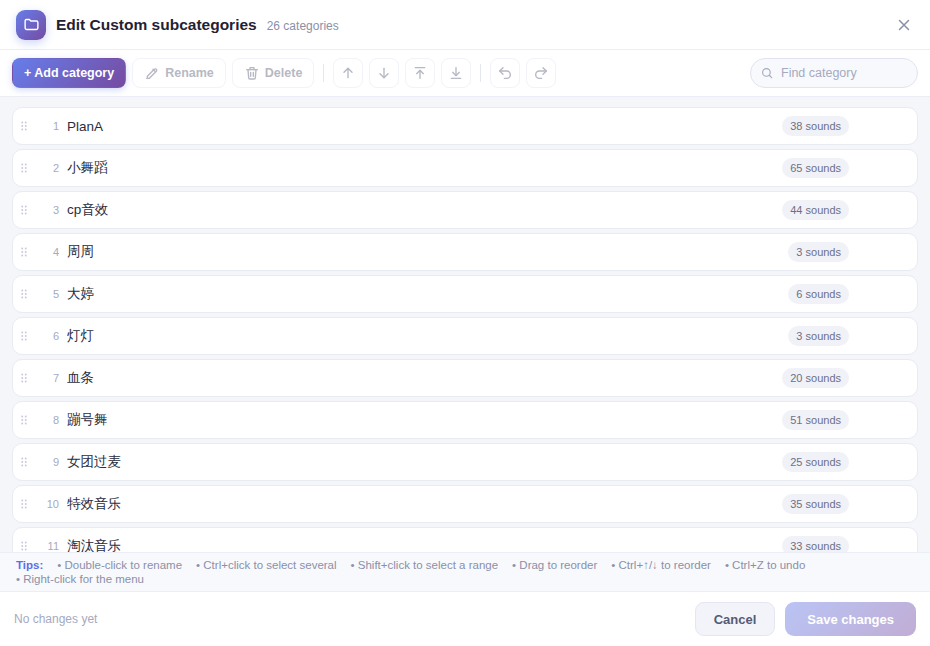
- Subcategories: Custom and Background music can each have several subcategories, so you can group sounds by purpose. See Manage categories and organize sounds.
- Button colors: color important sounds, then use Sort by color to group them. See Set button color.
- Search: type Chinese characters, pinyin or initials to find sounds directly — even inexact pinyin works. See Search sounds.
- Favorite display names: give favorites easy-to-remember names that only show in Favorites. See Favorite sounds.
- Grid layout: line buttons up neatly and see more on one screen. See Layout and font size.